Original output names and a detailed record
The PDFs are redacted, but both entry names and the record retain the invented source identifiers.
Download original output names and a detailed recordRepeated contact blocks across PDFs
Several schedules can share the same contact block position while their public topics and times differ. Build a solid mark on one reviewed file, reuse it only where the content still aligns, then inspect every saved PDF and its ZIP mapping. Changed layouts need per-file edits.
Your files are processed in the browser. No OCR or automatic contact detection. Recent sessions may retain originals locally; active queue edits are lost on clear, reload or close.

A small pack you can inspect
The input ZIP contains four fictional PDFs in separate folders. Alpha and beta are both named schedule.pdf, with distinct public workshop IDs and private contacts. Shifted has the same page size but its contact block moved to the bottom. Different has an incompatible page shape. Unzip the pack first; the editor accepts the PDF files, not a ZIP input.
For the first comparison, queue alpha, beta and different. Open alpha, mark its whole tinted contact block and choose Apply current preset. The matching pair exports; different is recorded as failed and has no PDF in the ZIP. Each included output still needs review.
Actual outputs and source identity
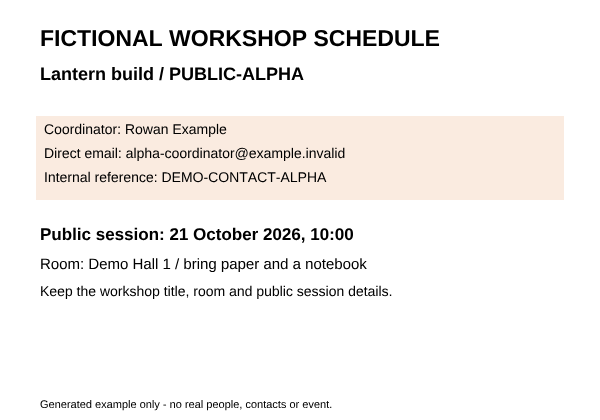
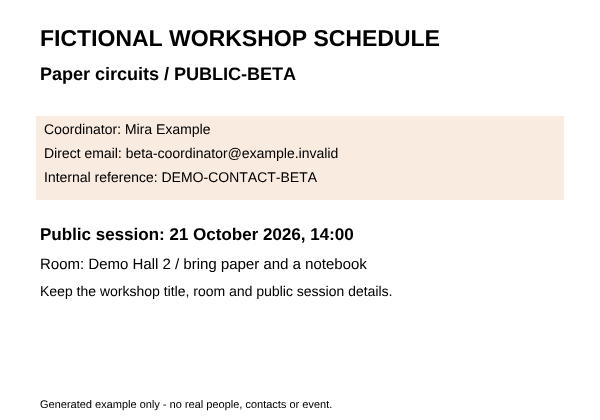
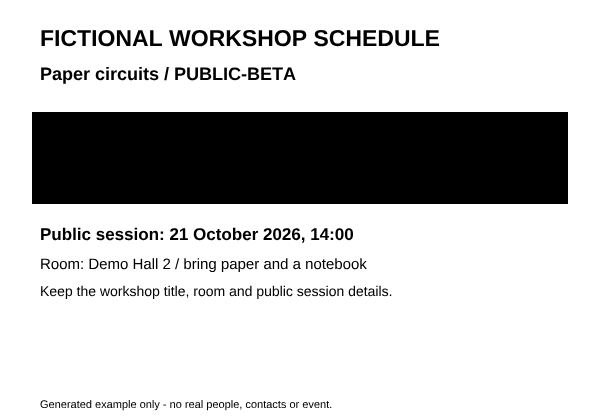
This actual Standard Clean batch download contains two corrected PDFs and a record for the rejected layout. In each matching PDF, all 49,312 marked pixels are opaque and all 202,688 unmarked pixels are unchanged at the tested 600 × 420 rendering. Known contact names, emails and internal references are absent from the saved text and their known stream encodings. Public workshop details stay searchable in these native exports.
Both original basenames are schedule.pdf. This output maps to schedule-redacted.pdf.
Both original basenames are schedule.pdf. This output maps to schedule-redacted (2).pdf.
| Input identity | Saved PDF entry | Result to check |
|---|---|---|
| PUBLIC-ALPHA / schedule.pdf | schedule-redacted.pdf | Contact block covered; this workshop’s title, time and room retained |
| PUBLIC-BETA / schedule.pdf | schedule-redacted (2).pdf | Contact block covered; this workshop’s title, time and room retained |
| PUBLIC-DIFFERENT / different-layout.pdf | No PDF entry | Incompatible geometry is recorded as failed |
Scroll sideways to inspect the mapping.
Choose Both under Verification certificates to include the summary and per-file records. Compare the public workshop ID with the source filename, local fingerprint and archive name. Individual output downloads in the editor contain the same bytes as their ZIP entries. Records can contain removed text and source names: review before sharing. They are local checks, not independent privacy certification.
Same dimensions, wrong content
Shifted uses the same 600 × 420 page as alpha. Its old contact position now contains public instructions; private contacts moved to the bottom. A blind reuse passes the geometry guard, removes the public instructions and leaves the contact details visible and searchable. The record’s clean metadata status does not prove redaction coverage.
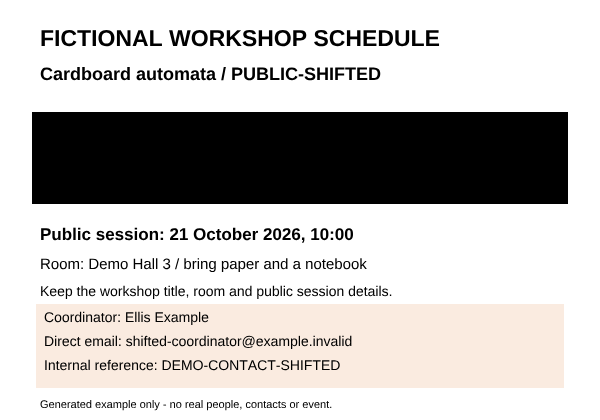
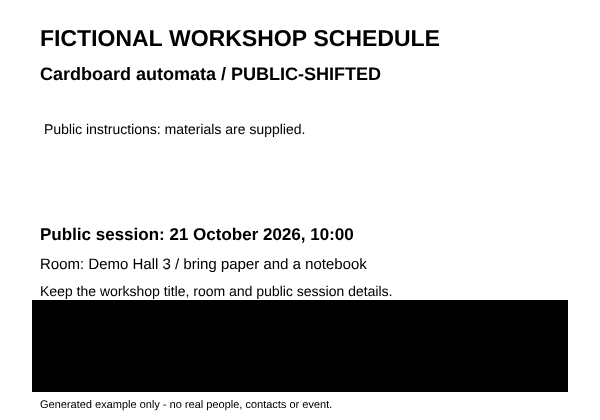
Use Edit each file when positions differ or need individual review. The actual reviewed ZIP below was produced with separate marks for alpha, beta and shifted through Save + next. All three known contact blocks are removed; each file keeps its own public content.
Download reviewed three-file ZIPClean metadata only also leaves the visible contacts and their stored text intact in these Standard Clean inputs, even with a current mark drawn. Choose a redaction workflow to apply marks. Maximum Clean rebuilds PDFs without the original text layer: inspect the visible pages, because an empty search result is not proof that a contact was covered.
For your own PDF set
Open Batch queue and add the PDFs. Inspect every page for contacts, repeated details and extra pages. Group only files whose content genuinely aligns. Matching dimensions, crops and rotations establish geometry compatibility, not matching words or privacy coverage.
Choose Open, then cover the complete contact block with a solid rectangle and a margin. Add centered redaction plus Width, Height, X and Y provides a keyboard/phone alternative to dragging. For this fictional template’s 900 × 630 preview, use Width 804, Height 138, X 48, Y 168. These coordinates apply to this sample only.
Return to Batch queue. Apply current preset reuses the current marks; choose it only after checking all target positions. Edit each file uses Start guided queue, then Save + next / Save + finish queue to retain each file’s own edits. For shifted in this sample, Y is 450; its other numeric values stay the same.
Export, then choose Review output beside each PDF. The local view renders the actual bytes used by that output’s download and ZIP entry; no editor marks are overlaid. Use Output page to inspect every page and Output zoom for details. Confirm that private contacts are covered and public topics, times and rooms remain correct. Expand Check known text (optional), then enter an exact name, email or reference you already know. For the fictional shifted file, try DEMO-CONTACT-SHIFTED. A retained-text match identifies pages to revisit; metadata matches are reported separately. No match or no extracted text does not prove removal: also download and reopen every saved file. Standard may preserve public text when native export is verified; Maximum or a fallback loses the original text layer. Failed items have no PDF output.
Match every intended source to its archive entry. Cancelling finishes the current file, then produces only the completed subset; a partial ZIP is not the whole set. Changes to queue, marks, mode or profile require a fresh run. Keep the page open while editing: clear, reload or close loses active queued edits, while recent originals may remain in local browser sessions.
The known-text check is case-sensitive after Unicode and whitespace normalization. It checks the current output only, adds no marks and clears when the review closes or output changes. Scans, fragmented text and unusual font encodings can cause misses. Check every page visually, including public content; this is not automatic contact detection or complete privacy certification.
Before sharing the ZIP
A reviewed PDF can still carry an identifier in its outgoing filename. A ZIP can carry the original name again in a record. Numbered batch names change download labels without changing file bytes; omitting records is a separate choice.
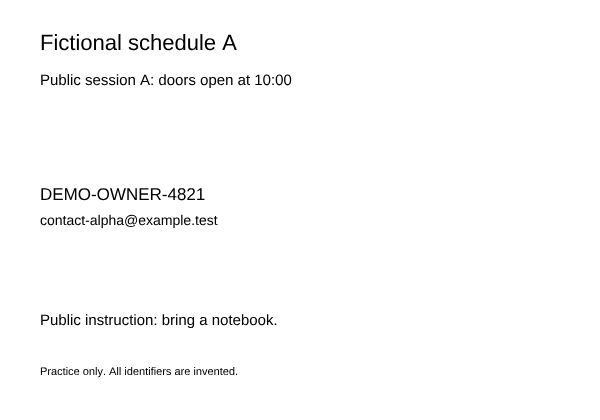
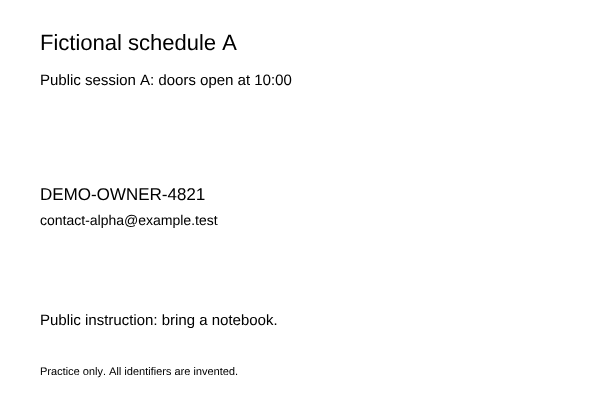
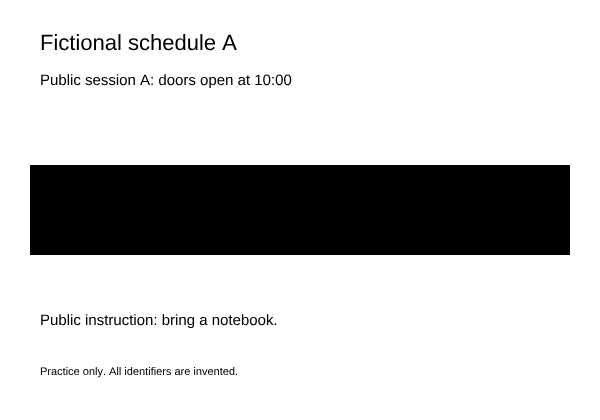
The PDFs are redacted, but both entry names and the record retain the invented source identifiers.
Download original output names and a detailed recordVerification certificates=None omits records here. The identifiers still appear in the PDF filenames.
Download no records, original output namesThe PDF names are numbered. The summary still contains original source names; review it separately.
Download numbered names and a check summaryOnly file-001.pdf and file-002.pdf are included. They have exactly the same redacted bytes as the first pack.
Download numbered document-only zipNumbered filenames and no records, but the private details remain visible inside both PDFs. Naming is not redaction.
Download metadata-only counterexampleThe four redacted packs reuse the same two current PDF Blobs. Renaming entries and changing record selection preserve each document’s SHA-256 and actual bytes. In these native examples, each selected 194,400-pixel region is opaque at 2× and all 813,600 unmarked pixels match its source. Known private identifiers/contacts are absent from tested page text and PDF objects/decoded streams; the record counterexamples deliberately retain source names.
The metadata-only pack ignores the mark and preserves the visible private details. Neutral labels do not anonymize document content, public context, other metadata, originals, earlier copies or records you share separately. Review every extracted file and all recipient requirements. Numbering is not automatic private-data detection, OCR or independent assurance.
Download batch name example checksMicrosoft’s archive instructions cover ZIP creation, renaming and extraction. Sejda offers PDF filename patterns; renaming is not exclusive to Blivion. The checks here concern these fictional files, their actual output bytes and explicit record choices. Continue with the sharing checklist.
Redax’s template documentation describes applying positioned marks to similarly formatted documents and verifying their locations. Nitro’s manual redaction guide describes repeating marks across pages, then applying them. Those published instructions are separate from Blivion’s own downloaded-output proof above.
These examples establish a small fictional workflow, not universal format support, automatic contact discovery, signature preservation or acceptance by a recipient. Practical capacity depends on file complexity and browser memory. For native/flattened tradeoffs see the PDF redaction hub; for individual scans, use the no-selection scan guide.