A PDF can carry working files that are not printed on its pages. Check document-listed files and page attachments, clean a separate copy, then review the actual saved PDF and its visible content.
No automatic detector or attachment extractor. The exercise loads a public fictional two-page PDF and uses the shared local cleanup pipeline. Keep required originals; browser sessions can retain them.
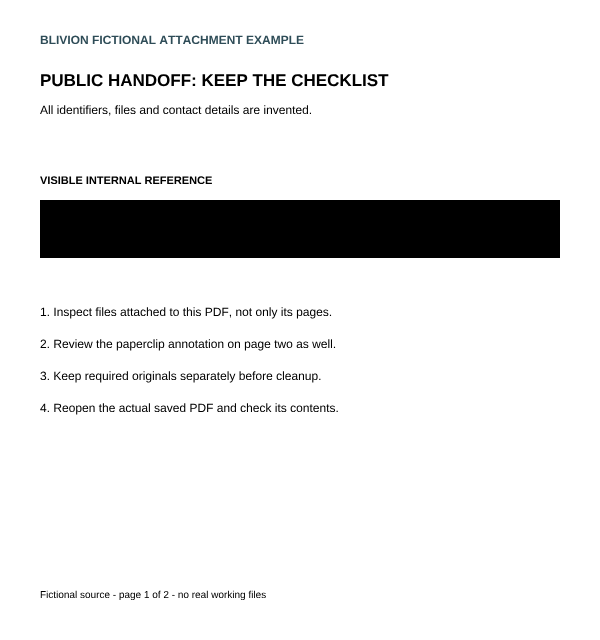
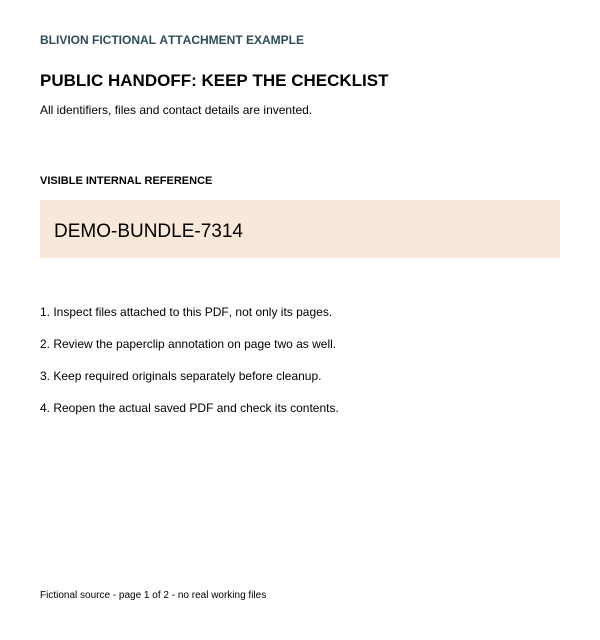
Actual marked page one. Hidden-file removal requires inspecting the PDF itself, not this image.
Two paths, separate checks
An empty document list is not a complete attachment check.
The fictional original has a TXT in its document attachment list and an independent CSV in a file annotation on page two. The incomplete comparison only unlinks the document list. Page-text searches do not find the payloads, and the page-two file plus stored streams remain.
Original: two attachment paths
A listed TXT and a separate page-two file annotation contain different invented data. Neither payload appears in page-text search.
Generated counterexample, not a Blivion export. The named list is empty, but the page attachment is still readable and both embedded file streams remain stored.
Native in this compatible sample. Both tested attachment paths, their file objects and known payloads/names are absent; public text remains searchable. The printed reference is not redacted.
Visual rebuild. The tested attachments and original text layer are gone, but the printed reference remains as pixels. Deep metadata-only behaves the same in this sample.
The printed reference is marked through the ordinary editor. Native export removes it and the tested embedded files while retaining searchable public text.
Checks read the named list, every page’s file annotations and decoded PDF objects for known sample names/payloads. In actual marked downloads, all 120,640 selected pixels are opaque at the tested 2× rendering; all 1,959,616 pixels in the defined public comparison regions match the source. Those regions exclude the removable attachment indicator.
This is bounded fixture evidence, not a universal nested/encrypted-file census, forensic analysis, complete privacy check or independent attestation. The example-check JSON deliberately includes invented source data; summaries retain filenames and file details. Review records before sharing.
Removing an attached file does not redact a printed reference.
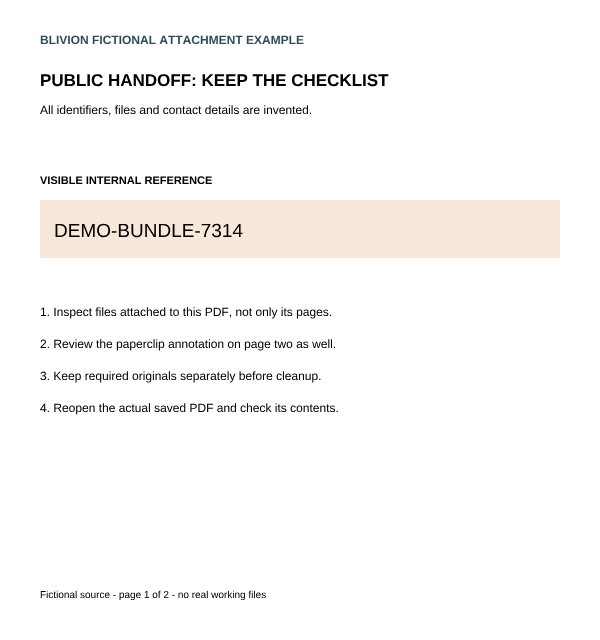
The sample’s internal bundle reference is page content. Metadata-only cleanup leaves its pixels visible in every tested mode. Deep/Maximum also remove the original text layer, so an empty page search can coincide with an identifier that is still visible.
Original page content.Actual Maximum metadata cleanup: reference still visible.Actual native export with the optional visible mark.
Keep the original and decide which files are needed. Attachments may be part of a handoff or recipient requirement. This cleanup is not a selective attachment manager and can also remove comments, forms, links and other structures. No portfolio, signature, archive-format or accessibility preservation is established.
Inspect the original in a suitable PDF viewer. Review its attachment pane and page comment/paperclip views across every page. The editor canvas and ordinary page-text search do not list attachment contents. The sample intentionally has one attachment on each of two different paths.
Choose Clean metadata only if the pages are already shareable. In this compatible sample, Standard removes the tested hidden files in a native PDF while preserving public text. Deep/Maximum rebuild visually and lose the original text layer. Check the actual reported mode; other PDFs can fall back.
Mark page content separately if needed. Cover the printed internal reference with the fixed sample button or use manual marks for your own document. Choose Export redacted PDF to apply marks; metadata-only ignores them.
Open the actual saved output. Recheck attachment and comment/file views, all pages, useful public content and supported stored text. An empty attachment list, metadata-clean label or empty search alone is insufficient. The fixture checks are not a guarantee for every PDF structure.
Review what else you share. Original PDFs, external attachments, local history, filenames and detailed records can still contain identifying data. Keep needed originals separately and clear local sessions on shared devices. A summary records supported checks; it does not certify privacy.