Printed details and scannable copies
Redact a boarding-pass screenshot.
Choose a different travel photo when possible. If you need a separate illustration copy, cover printed identifiers and every barcode or QR copy, then inspect the actual saved image. Keep your travel original.
Manual marks, no code scanner or automatic detection. This sample is not a boarding pass and contains no valid travel data. It loads a public fictional PNG; editing stays local. Browser sessions can retain originals.
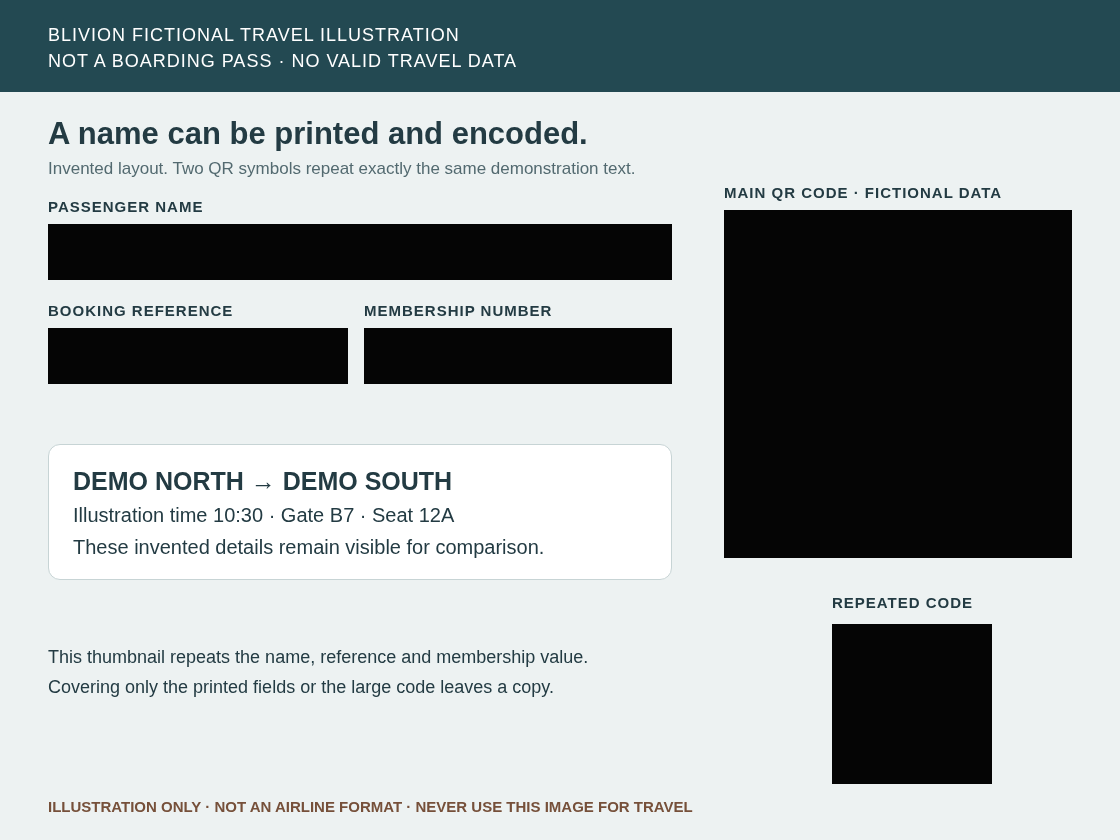
One detail, more than one representation
Covering the printed reference does not remove its encoded copy.
This invented layout has three printed identifiers and two QR symbols carrying the same demonstration text. It is deliberately not an IATA or airline record. The two incomplete files show why marks must cover every occurrence, including small thumbnails or stubs.
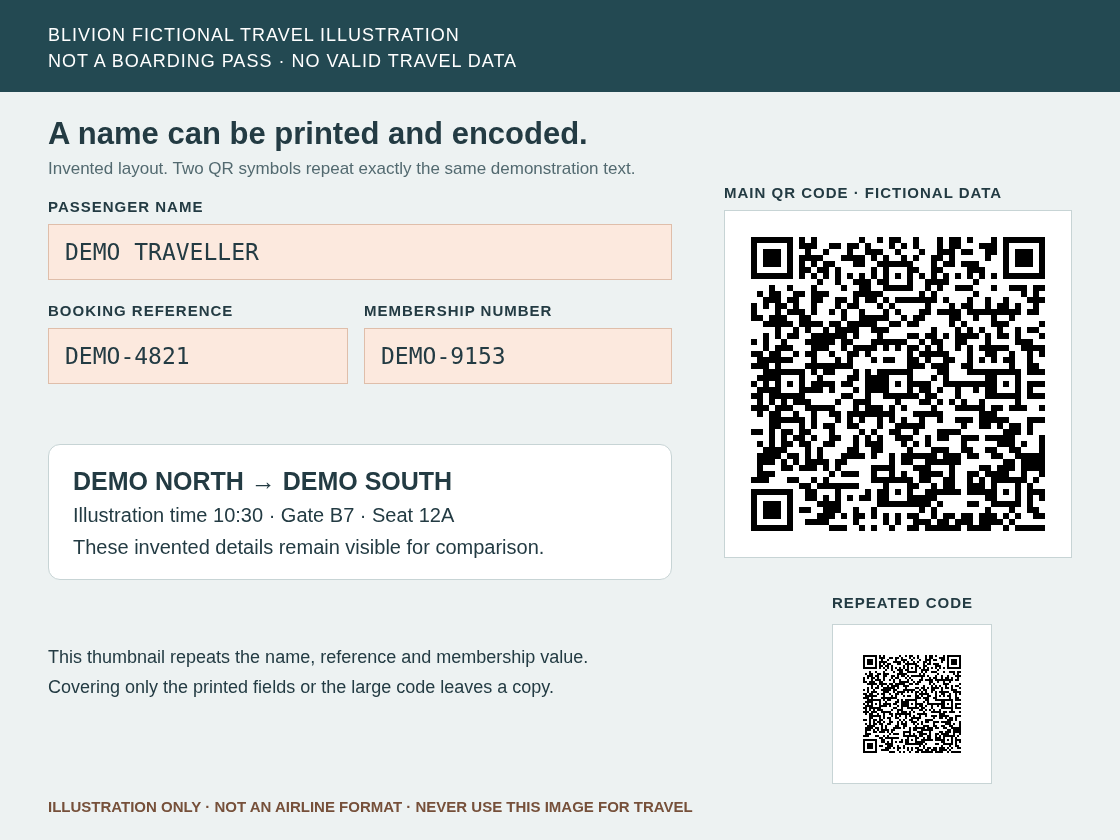 Download original fictional PNG
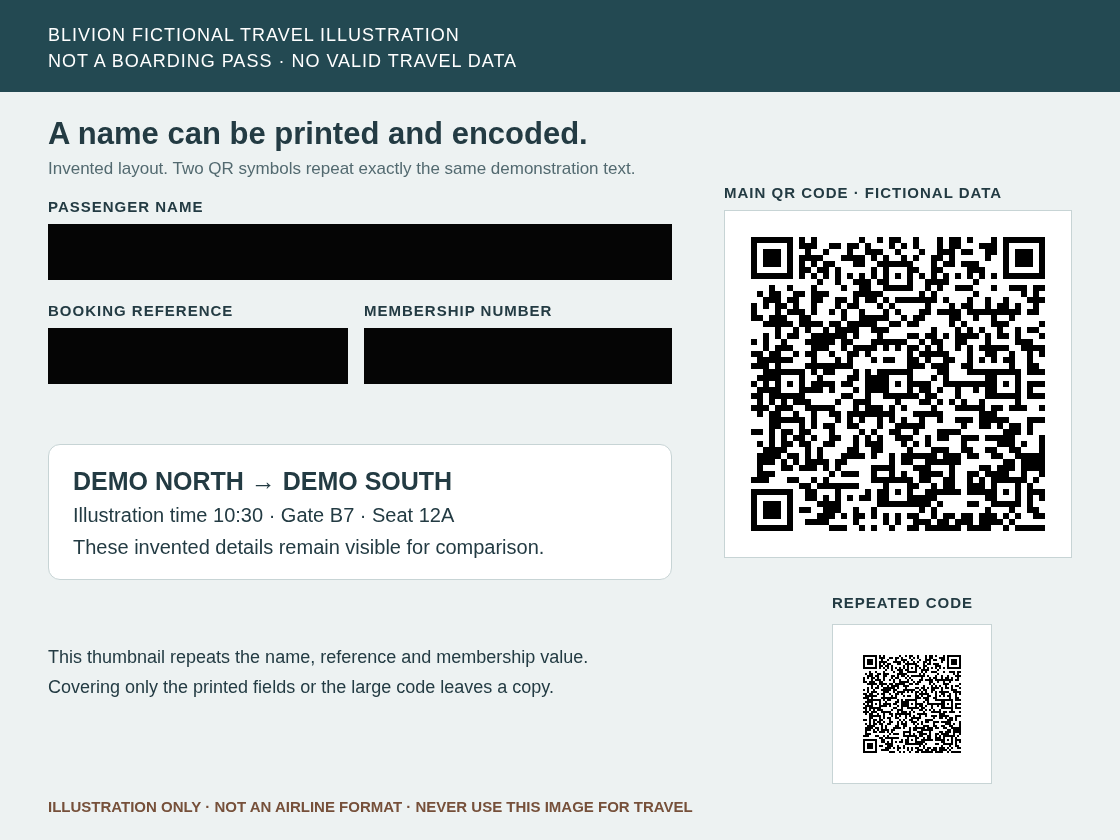 Download printed-only PNG
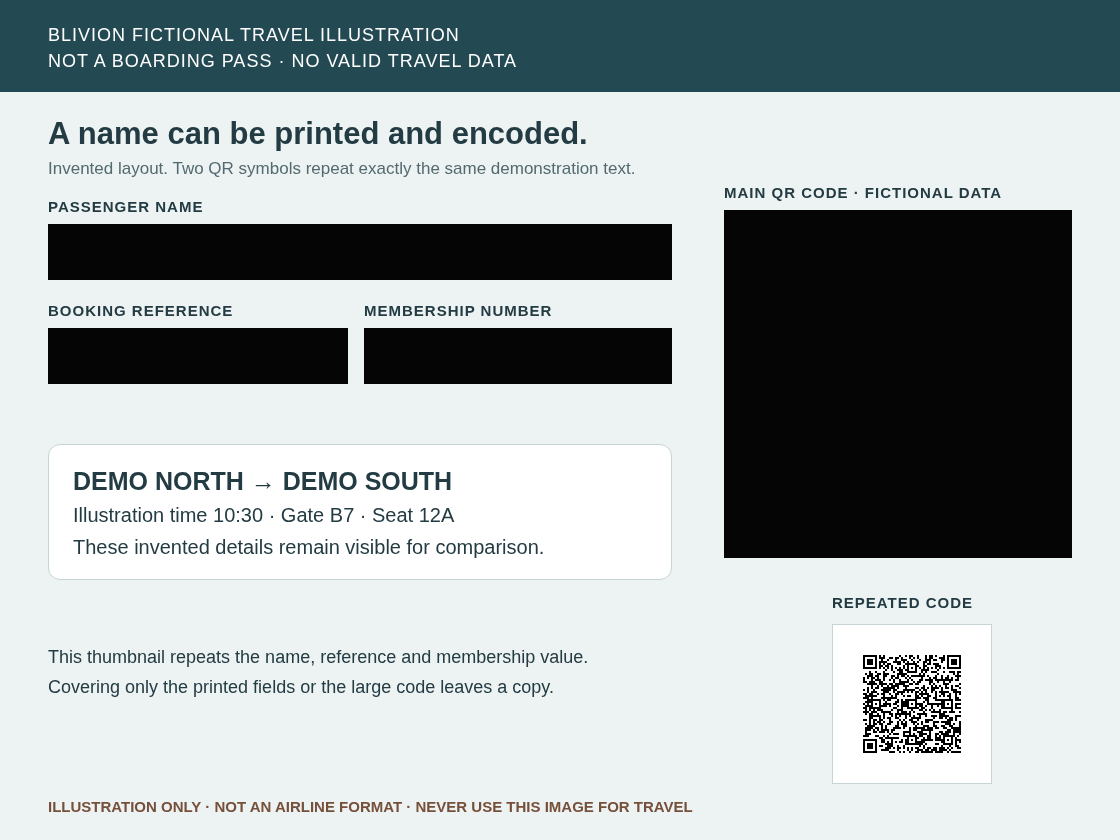 Download main-code-only PNGDownload fully marked PNG
Inspect the known fictional QR payload and check limits
Both original symbols encode exactly this invented text. Our offline example check uses jsQR on the two known crops; the editor does not decode your files.
ILLUSTRATION_ONLY|NAME=DEMO TRAVELLER|REF=DEMO-4821|MEMBER=DEMO-9153
The fully marked download has 215,696 selected pixels equal to opaque RGBA(5,5,5,255), with all 725,104 unmarked pixels unchanged. Neither known crop returns a result in that decoder. A scanner failing to read a code is not independent proof of coverage or behavior in every reader.
Download the fictional example checks · Download the paired export summary
The example-check file deliberately includes the invented payload. Summaries retain filenames and file details. Inspect records before sharing; neither record certifies privacy.
Make an illustration copy, then review the saved file.
Qantas advises protecting booking references and avoiding boarding-pass photos on social media. A different photo is the first choice. The following steps are for a separately edited image when an illustration is needed, not a recommendation that a redacted pass is safe to post.
- Keep the original for travel. Work on a separate PNG or JPEG image. Blivion does not edit wallet passes, change a booking, transfer a ticket or establish airline acceptance. For a PDF input, use the PDF workflow and its separate saved-text review.
- Inspect the whole image. Look for passenger names, booking references, ticket or membership numbers, and every barcode/QR symbol. Check repeated codes, stubs, thumbnails, surrounding notifications and filenames. Real layouts and encoded fields vary.
- Add manual solid rectangles. Use the canvas or Add centered redaction and numeric fields. Cover the entire code plus its surrounding white margin, along with printed private fields. Our five shortcut buttons apply only to the invented sample, never your own file.
- Do not rely on a small patch or blur. DENSO WAVE describes QR error correction that can restore data after partial damage. Blivion does not provide a barcode coverage detector. Treat blur and pixelation as obfuscation.
- Export redacted image as PNG. Clean metadata only does not apply visible marks. Open the actual downloaded PNG, zoom into every chosen area and edge, and review the entire image. An editor preview or clean metadata label is insufficient.
- Decide whether the remaining context should be shared. A real route, date, seat, background or filename can still identify a person or reveal plans. Redaction does not revoke exposed references or erase copies already posted. If unsure, keep the image private and use the airline’s own support channel.
What this example establishes—and what remains to review.
The IATA boarding-pass guide documents encoded passenger data and varying layouts. Our ordinary QR illustration teaches the separate-representation problem; it is not a BCBP parser, a model of every airline or a real travel credential. PDF417, Aztec, dynamic wallet codes and other formats were not decoded in this exercise.
Solid marks remove the pixels you choose in the saved PNG. They do not automatically find private content, guarantee anonymity, or establish that an image meets another party’s requirements. Reopening an original or recent session still exposes the original. Clear local history on shared devices; keep needed originals separately.
Continue with ordinary screenshot marks and paste/file import, hidden metadata cleanup and the saved-file safety checklist.